You're getting traffic to your WooCommerce store, but sales aren't matching visitor numbers. Before investing in an expensive redesign, consider practical adjustments worth testing that often improve conversion rates without altering your store's core design or structure. In my experience working with WooCommerce stores, many performance issues stem from usability, clarity, and trust rather than visual style. Small refinements can sometimes remove hesitation and guide shoppers more confidently toward completing a purchase, all without disrupting your existing branding or layout.
Your store may be losing sales due to subtle friction points that discourage customers at critical moments. Industry studies suggest that most WooCommerce stores tend to see conversion rates between 2 and 4 percent, though this varies significantly by niche and product type. Streamlining checkout steps, clarifying shipping and returns, improving page speed, and reinforcing trust signals can potentially impact results. These targeted improvements focus on reducing obstacles rather than rebuilding your site, which tends to make them faster to implement, easier to test, and more cost-effective overall.
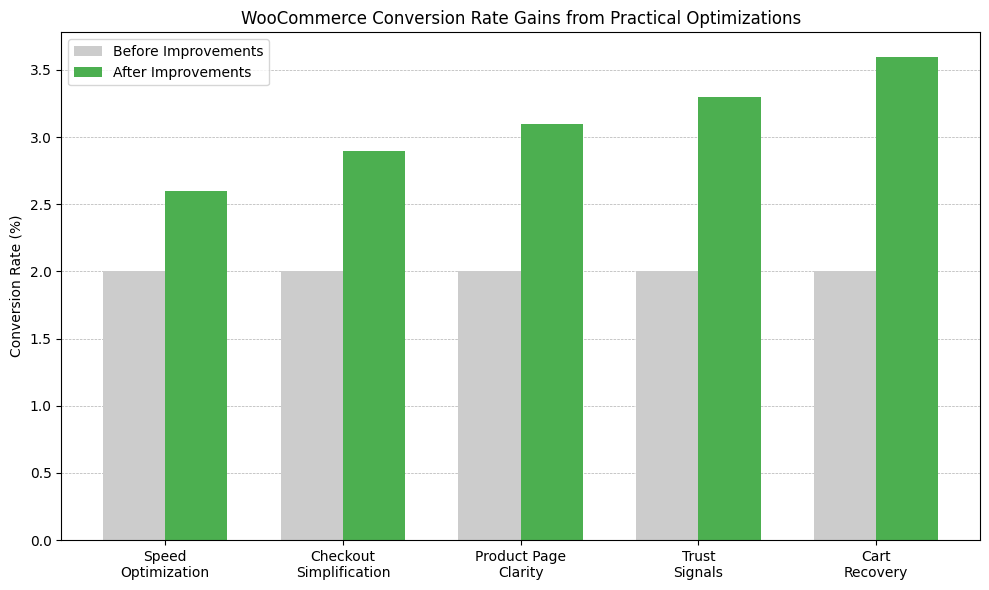
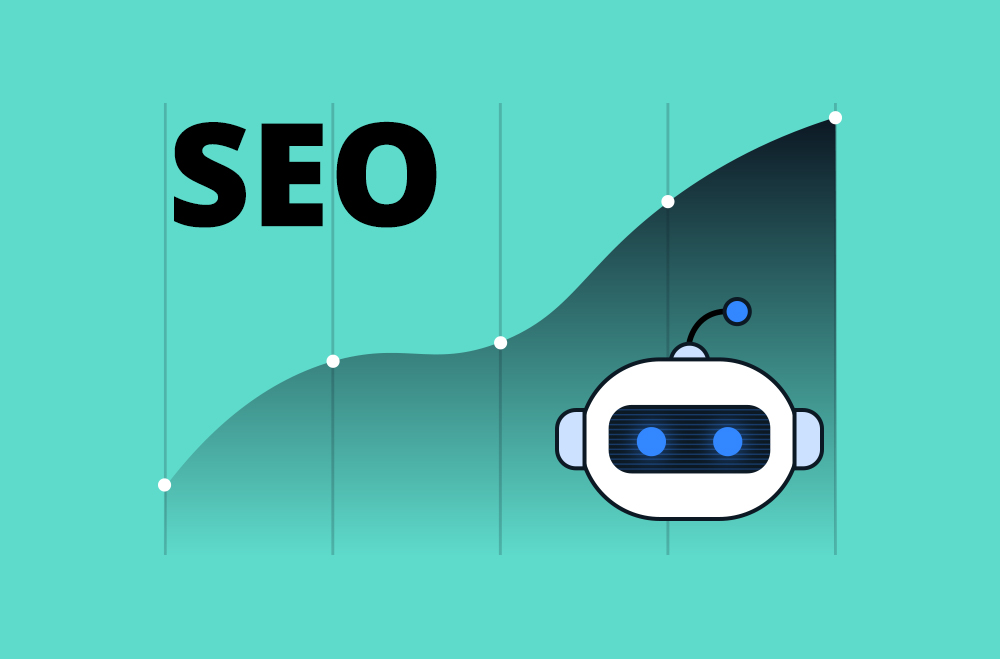
This chart shows how practical, non-design optimizations can improve WooCommerce conversion rates. Each improvement, faster page loads, simpler checkout, clearer product pages, trust signals, and cart recovery, demonstrates progressive performance gains. Speed optimization helps reduce purchase hesitation, streamlined checkout minimizes friction, improved product clarity aids decision-making, trust signals build confidence, and cart recovery captures lost opportunities. These changes typically don't require a full redesign but can help increase revenue when implemented thoughtfully.
Site speed often influences whether visitors stay long enough to evaluate your products. When pages load slowly, shoppers often lose confidence before engaging, particularly if they're comparing multiple stores. Speed can affect how professional, reliable, and trustworthy your WooCommerce site feels, which may influence decisions before price or product quality even enters the equation.
Performance also affects measurable outcomes such as bounce rates, cart abandonment, and conversions. Faster sites tend to encourage deeper browsing, smoother navigation, and quicker checkout completion. Because speed issues often stem from hosting, images, scripts, or plugins, many improvements are practical to implement and can deliver noticeable gains without requiring a redesign of your store. That said, the exact impact varies depending on your current baseline and your specific audience's behavior.
Potential improvements for faster loading:
Implementation note: When converting images to WebP, keep PNG/JPG fallbacks for older browsers. Test your caching configuration on staging first. Aggressive caching can sometimes conflict with dynamic elements like cart counters or personalized content.
Checkout is the moment where intent turns into revenue, and even minor friction can derail a sale. Long forms, forced account creation, or unclear steps often cause hesitation, particularly for first-time buyers. Shoppers want reassurance that checkout will be quick and painless, and anything that feels confusing or time-consuming increases the chance they abandon their cart.
A streamlined checkout removes doubt and keeps the momentum going. By reducing unnecessary fields, clarifying what's required, and offering flexible payment options, you lower the mental effort needed to complete a purchase. These improvements don't change your branding or design; they simply make it easier for customers to say yes. However, every store is different, so it's worth testing these changes with your specific audience.
Checkout improvements worth testing:
Common issue: If you're using WooCommerce Subscriptions or Memberships, guest checkout becomes more complex since account creation is typically required for recurring billing. In these cases, focus on making account creation feel fast and low-friction rather than trying to bypass it entirely.
Product pages are where interest turns into intent, so clarity and confidence matter more than design flair. Shoppers often skim rather than read, seeking quick confirmation that a product meets their needs. Clear visuals, scannable information, and reassurance about details such as sizing, materials, and usage can reduce uncertainty. When customers can understand a product's value within seconds, they're more likely to add it to their cart and proceed to checkout, though this also depends heavily on your product category and price point.
Product page elements to consider:
Technical consideration: Image-zoom plugins can slow page load times if not implemented carefully. Look for options that load zoom functionality only when triggered, rather than preloading all zoom assets on page load.
Customer reviews can reduce uncertainty by showing real experiences from people who have already purchased. For new visitors, reviews act as validation that your products and store are trustworthy, reliable, and worth the investment. Shoppers often seek reassurance before committing, and seeing others' feedback helps answer unspoken questions about quality, delivery, and overall satisfaction. Even a small number of authentic reviews can increase confidence and encourage hesitant buyers to move forward, though the effect varies by niche and the level of trust in your audience.
Building your review foundation:
Practical challenge: Getting customers to leave reviews requires persistence. Timing matters. Send review requests 7-14 days after delivery when the product experience is fresh, but the customer has had time to evaluate it. Generic "leave a review" emails rarely work; specific prompts like "How are you enjoying your [product name]?" tend to perform better.
Upsells and cross-sells work best when they feel helpful rather than pushy. When recommendations clearly relate to what a customer is already viewing or purchasing, they add convenience and perceived value. Instead of forcing shoppers to search for accessories or complementary items, well-placed suggestions guide them toward better outcomes with less effort, naturally increasing order size. However, poorly implemented upsells can also feel intrusive, so testing and restraint matter here.
The timing and context of these offers matter. Product pages, carts, and post-add-to-cart moments are generally good places to introduce relevant add-ons or bundles. When done thoughtfully, upsells enhance the shopping experience rather than interrupt it, making customers feel supported rather than sold to.
Approaches worth testing for upsells and cross-sells:
Implementation warning: Avoid showing upsells during the checkout process itself this often increases cart abandonment rather than order value. The cart page is the last opportunity to offer additional items before the customer checks out.
Shipping costs and return policies are among the most common reasons shoppers abandon their carts. When this information is hidden, unclear, or revealed only at checkout, it creates uncertainty and erodes trust at a critical decision point. Customers want to understand the full cost, delivery expectations, and return process before they commit. Clear, upfront communication removes surprises, reduces hesitation, and reassures buyers that your store is reliable and fair.
Build trust through transparency:
Technical note: Real-time shipping calculation requires integration with carrier APIs (USPS, FedEx, UPS). These integrations can slow down the cart and checkout pages if not cached properly. Consider showing estimated ranges on product pages and exact rates only at checkout if performance becomes an issue.
Payment flexibility can influence whether a shopper completes a purchase. Customers often arrive with a preferred payment method, and if that option isn't available, they may abandon the checkout process rather than adapt. Offering multiple payment methods can reduce friction, build trust, and make your store feel more accommodating to different buying habits, regions, and budgets. Flexible options may also improve average order value by lowering perceived cost barriers, though results vary by audience.
Payment options to consider:
Setup consideration: Each additional payment gateway adds maintenance overhead; you'll need to monitor transaction fees, update API credentials, and troubleshoot payment failures. Start with 2-3 core options that serve most of your audience, then expand into niche payment methods.
Cart abandonment is common and doesn't always mean a customer lost interest. Many shoppers get distracted, want to compare options, or hesitate when unexpected costs appear. Recovering abandoned carts gives you a second chance to re-engage buyers who were already close to purchasing, making it one of the higher-ROI optimizations for WooCommerce stores, provided you implement it thoughtfully.
Well-timed reminders help customers pick up where they left off. A friendly follow-up can address concerns, restore confidence, and remove friction that stopped them from checking out. Even modest recovery rates can translate into meaningful revenue gains, though you'll want to be careful not to come across as too aggressive.
Cart recovery approaches to test:
Privacy and compliance: Cart abandonment emails require collecting email addresses before checkout is complete. This typically happens when customers enter their email during checkout or if they're logged in. Make sure your privacy policy covers abandoned cart tracking, and always include an unsubscribe option. GDPR and other privacy regulations may affect how you implement this, depending on your customer base.
Mobile shoppers often play a role in the buying journey, even if they don't always convert immediately. Many customers discover products, compare options, and build purchase intent on their phones before completing the transaction later on a desktop or tablet. If the mobile experience feels slow, confusing, or difficult to use, that intent can disappear entirely. A poor mobile experience doesn't just reduce mobile conversions; it can also weaken overall brand trust and impact future purchases across all devices.
Optimizing for mobile means prioritizing clarity and ease of use at every step. Content should load quickly, layouts should adapt cleanly to smaller screens, and key actions must be effortless to complete. Simple improvements, such as larger tap targets, streamlined navigation, and mobile-friendly checkout fields, reduce frustration and keep shoppers engaged. Regularly testing your store on multiple devices helps uncover small usability issues before they turn into lost sales.
Testing approach: Don't just check your mobile site on your own phone. When conducting real-device testing on older Android phones and various iPhone models, performance can vary dramatically across devices. Chrome DevTools mobile emulation is useful for layout checks but doesn't accurately reflect real-world performance or touch interactions.
Trust often influences shoppers who are close to making a purchase but are still hesitating. New visitors, in particular, need reassurance that your store is legitimate, secure, and responsive if something goes wrong. When trust signals are missing or hard to find, even interested customers may abandon their carts due to uncertainty or fear of risk.
Displaying trust elements consistently across your site helps reduce that doubt. These signals work best when they appear naturally at key decision points, such as product pages, the cart, and checkout. Clear contact information and visible security indicators show customers that your business is real, accessible, and safe to transact with.
Trust elements to include:
Badge placement caution: Too many trust badges can look cluttered and actually reduce credibility. Stick to 2-3 well-recognized badges (such as Norton, McAfee, or BBB, if you have valid certifications) rather than displaying every badge your payment processor offers.
You don't need to implement everything at once. Pick the areas where your store has the most obvious gaps, make those improvements, and measure the results. In my experience, it's better to test changes systematically rather than trying to fix everything simultaneously.
Use Google Analytics to track your conversion rate, cart abandonment rate, and average order value before and after changes. This data helps you understand which improvements are working and where to focus next. Keep in mind that results may take time to appear, particularly in stores with lower traffic.
The goal is steady improvement over time. Small wins can compound, and even modest increases in conversion rates can impact your revenue when applied consistently.
The following plugins address common conversion barriers in WooCommerce stores, including slow performance, checkout friction, lack of trust signals, and missed revenue opportunities. Each focuses on practical improvements that can be implemented without redesigning a site. These tools tend to deliver solid results when implemented thoughtfully.
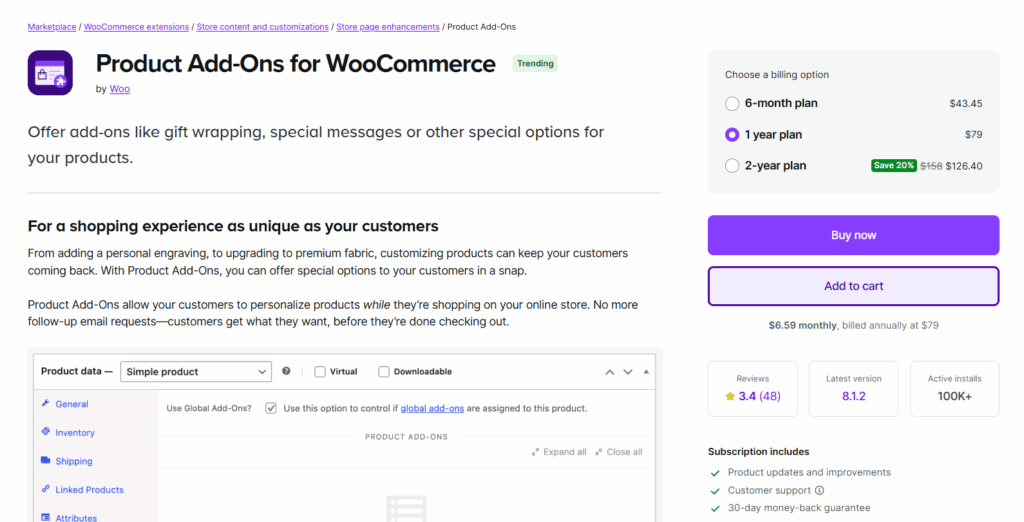
This plugin allows customers to customize products directly on the product page, thereby increasing engagement and average order value. It's particularly useful for stores selling customizable items.
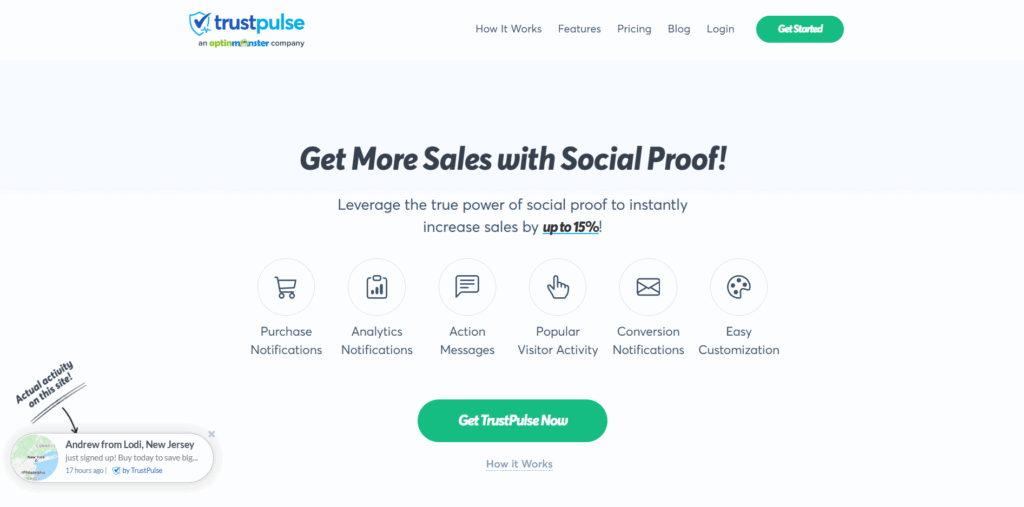
TrustPulse uses real-time social proof to reassure shoppers that others are actively purchasing from your store. This can help reduce hesitation and build confidence, though its effectiveness varies by store type.
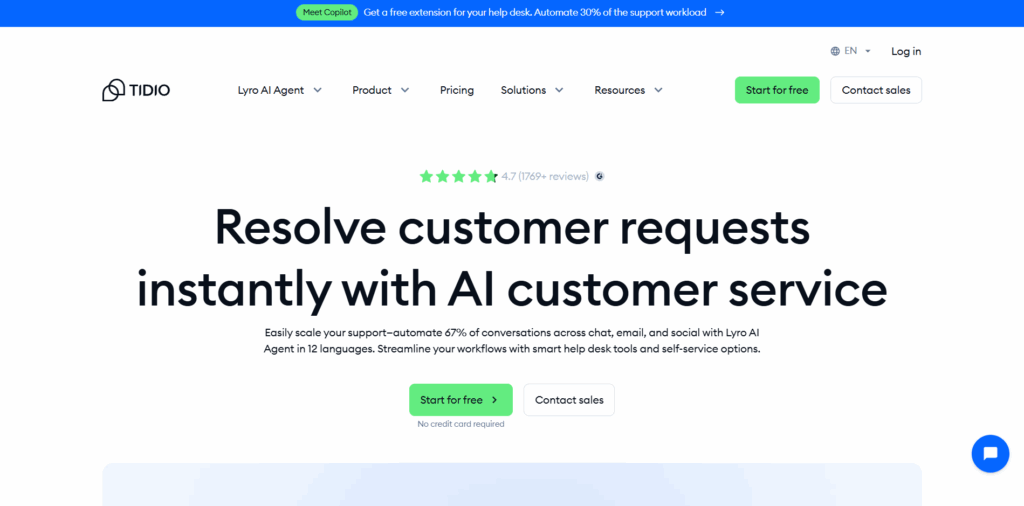
Live chat provides immediate support when shoppers hesitate, helping answer last-minute questions that could otherwise block a purchase. It works well if you have the bandwidth to respond promptly.
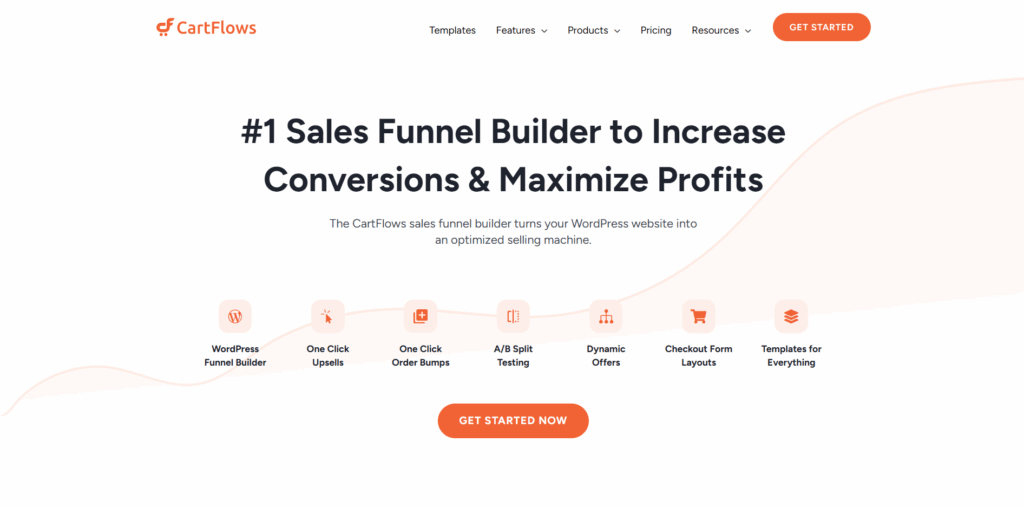
CartFlows helps optimize the checkout experience with conversion-focused funnels designed specifically for WooCommerce stores. It allows you to guide customers smoothly from product to purchase, though it does require some setup.
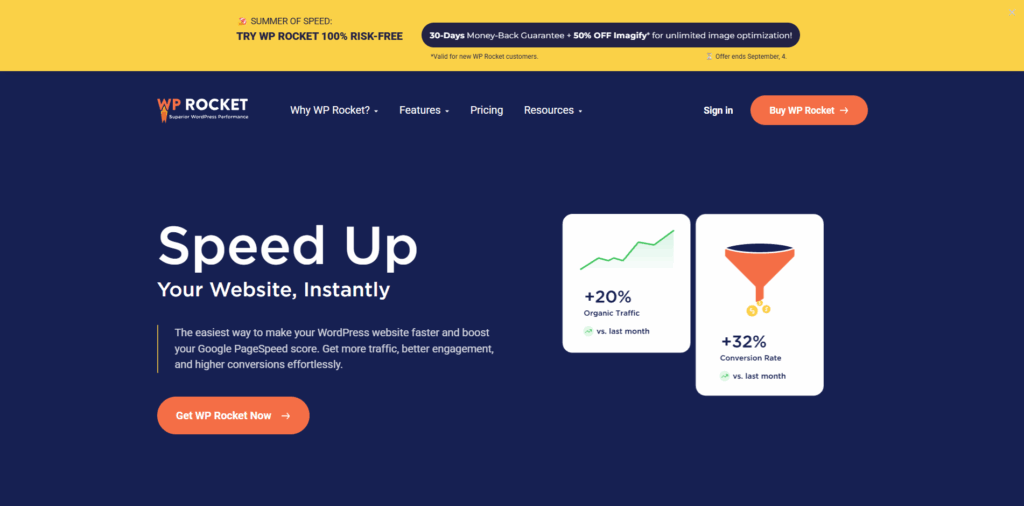
WP Rocket improves site speed, which can impact conversion rates and user trust. Faster page load times tend to reduce bounce rates and keep shoppers engaged. It's one of the more straightforward performance plugins to implement.
Start by identifying where customers are actually dropping off in your store. Check your analytics to see which pages have high bounce rates, where cart abandonment spikes, and which devices show lower conversion rates. These data points tell you where to focus your efforts first.
The improvements outlined here work best when tailored to your specific store's friction points. A slow-loading site needs speed optimization before worrying about upsells. A store with high cart abandonment at checkout should prioritize payment options and transparency. Match your optimization efforts to your actual bottlenecks rather than implementing changes randomly.
If you're struggling to identify your biggest conversion barriers or need help with technical implementation, working with WooCommerce specialists can help you avoid common pitfalls and implement changes correctly the first time. The right technical guidance can save you from implementing solutions that conflict with your theme, break your checkout, or create new problems while solving old ones.
These aren't dramatic transformations; they're focused adjustments that help your current store perform better by removing friction and building trust. Start with the changes that address your most obvious pain points, measure the results, and build from there.
"*" indicates required fields
"*" indicates required fields
"*" indicates required fields