You’ve invested in traffic. You’re running ads, publishing content, maybe even ranking on page one. But when visitors land on your store, most of them leave without buying anything.
It’s a common frustration for small ecommerce owners, and in many cases, it’s fixable without spending more on ads. The fix usually lives in how your website guides, persuades, and reassures visitors once they arrive. This article draws on conversion research and patterns seen across online stores to look at what higher-converting sites do differently, and what you might apply to your own store.
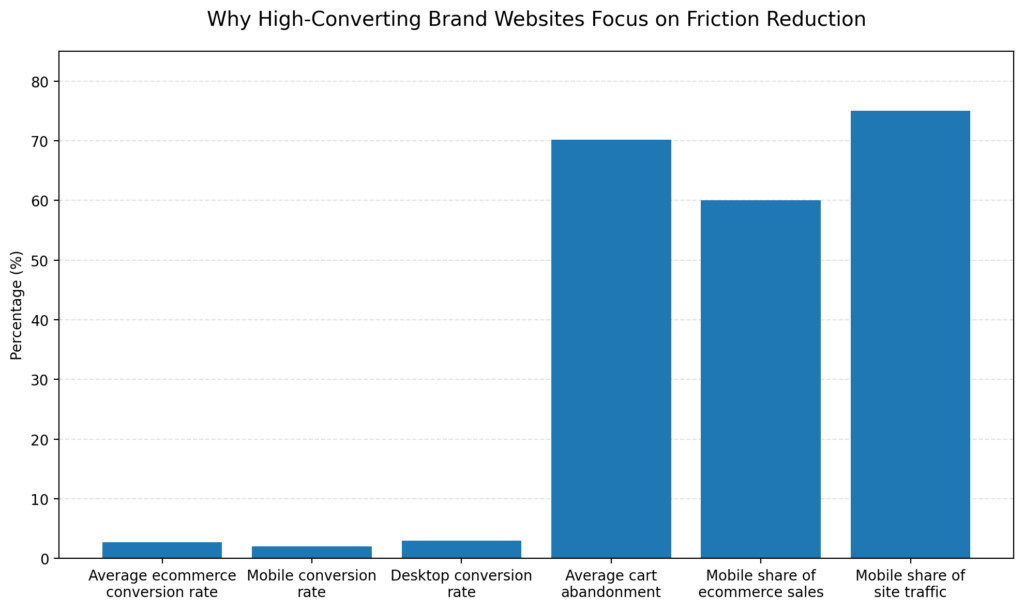
The graph illustrates why higher-converting brand websites focus on reducing friction. Conversion rates are generally low, while cart abandonment and mobile usage are high. This points to a clear opportunity: many brands can improve performance by making the customer journey clearer, faster, and easier to complete, especially on mobile.
A polished website is not always a website that sells. According to a 2026 analysis by UNANIMOUS, many sites look professional but underperform because they don’t help users quickly find what they need, understand the value being offered, or take confident action. Strong design matters, but conversion often depends more on clarity, trust, and removing unnecessary friction.
Average ecommerce conversion rates sit in the low single digits. Most benchmarks land in the 1% to 4% range, though the figure varies widely by niche, price point, and traffic source. Even modest improvements in messaging, navigation, calls to action, and user experience can move that number.
Visitors decide quickly whether they’re in the right place. Research analyzing over 1,000 high-converting landing pages found that a large share of visitors never scroll past the fold, meaning the content visible without scrolling carries a disproportionate share of conversion weight.
The question your homepage needs to answer almost immediately: What do you sell, who is it for, and why should I care? If that answer is buried below a large banner image or hidden in clever tagline copy, many visitors leave before they see your products.
Higher-converting stores lead with:
Clarity doesn’t water down your brand; it makes the path forward obvious by meeting visitors where they already are.
People are reluctant to buy from stores they don’t trust, and on the internet, trust doesn’t come automatically with a nice design. Research on high-converting websites in 2026 shows that trust comes from multiple sources working together: visual identity, clear messaging, real proof points, and intuitive navigation. A single element rarely carries the whole load.
For ecommerce stores specifically, the trust elements that move the needle most often include:
One pattern shows up repeatedly in CRO case studies: stores that surface trust signals at the moment of hesitation, such as directly below an Add to Cart button, see better checkout completion than stores that make customers hunt for reassurance. In WooCommerce, this is straightforward to test. The woocommerce_after_add_to_cart_button hook lets you drop a returns note or shipping guarantee inline without editing core files. One thing to keep in mind: that hook fires only on single product templates, so the reassurance won’t carry over to shop or category archives. If you want the same signal there, you’ll need to surface it separately, for example, near the price on archive cards.
One of the quieter conversion problems in ecommerce is poor information architecture. When visitors can’t find the product category they’re looking for, or when the path from product page to checkout adds unnecessary steps, many abandon the effort.
CodeWeb’s analysis of high-converting website design notes that menus work best when they’re clean, with logical categories that match how users think rather than how internal teams organize products. The distinction matters: your navigation should reflect how customers describe what they want, not your internal product taxonomy.
Practical improvements often include:
For larger WooCommerce catalogs, the default product search is basic. It queries the database directly, which can feel slow and imprecise once you pass a few thousand SKUs. If on-site search is a drop-off point, an index-based layer, such as an Elasticsearch-backed plugin or a hosted search service, can return more relevant results faster while taking the load off your database. One caveat worth planning for: index-based search needs an initial reindex and a way to keep the index in sync as products change, so confirm the plugin handles that automatically before you rely on it.
Site speed is one of the more actionable levers for small store owners. According to CodeWeb, visitors in 2026 expect pages to load in around two seconds, and mobile users are especially sensitive to slow load times. Slow sites create a poor experience and often rank lower in search results, compounding traffic loss.
For WooCommerce stores, performance usually comes down to plugin overhead, unoptimized images, and hosting quality rather than anything fundamentally unfixable. A few WooCommerce-specific culprits are worth checking before you assume you need a rebuild:
?wc-ajax=get_refreshed_fragments) site-wide by default to keep the mini-cart updated. On pages with no cart, such as blog posts or the homepage, this adds an uncached request that can slow load times. Dequeuing it outside cart and product pages is a common quick win, though it’s worth testing if your theme’s header cart count relies on it.wp_options table fills with autoloaded data and expired transients that load on every request. Checking your autoload size and clearing expired transients can reduce time to first byte.A basic audit covers most of these: check Core Web Vitals in Google Search Console, test image compression, and review plugin load with a query-monitoring tool. None of it requires touching the rest of the site.
A common pattern in underperforming stores is too few calls to action, or CTAs that are too vague to motivate action. Higher-converting sites use specific, benefit-oriented language and place CTAs at several points in the journey, not only at the bottom of the page.
Landing page research by Akhil Pillai’s analysis emphasizes that CTA text works best when it clearly states the next step. “Get My Free Sample” outperforms “Submit.” “Shop Bestsellers” beats “Browse Products.” That small word choice tells visitors they’re getting something of value, not entering a funnel.
Matching the CTA to where the visitor is in the decision-making process matters just as much. Someone arriving from a Google ad for a specific product is ready to see that product and a path to buy. Someone reading a blog post may need a softer entry point, a discount code, a free resource, or a “shop the collection” link before committing.
The closer someone gets to buying, the more costly each moment of friction becomes. UNANIMOUS’s research notes that forms are often where conversion breaks down: too many fields, unclear labels, or confusing layouts. For ecommerce, that translates directly into cart abandonment.
The Baymard Institute, which aggregates dozens of checkout studies, puts the documented average cart abandonment rate near 70%. Some of that is unavoidable: comparison shopping, price sensitivity, buyers who aren’t ready yet. But checkout friction can push the number higher than it needs to be.
Changes that often help include:
In WooCommerce, guest checkout is a toggle under WooCommerce → Settings → Accounts & Privacy (“Allow customers to place orders without an account”), so confirm it’s on before reaching for a plugin. Trimming required fields is also easier than most store owners expect. The billing and shipping fields are filterable throughwoocommerce_checkout_fields, which lets you remove or make optional things like the company name or a second address line without third-party tools. If you add address autocomplete, test it on mobile first, because some implementations interfere with the device’s native autofill and create more friction than they remove.
Most ecommerce traffic now arrives on mobile, and mobile conversion rates still lag desktop at many stores, sometimes by a wide margin. CodeWeb points out that Google’s mobile-first indexing means mobile performance affects search visibility and conversion at the same time. A site that converts well on desktop but poorly on mobile leaves a meaningful share of revenue unrealized.
Mobile design for ecommerce goes past responsive layouts. It includes thumb-friendly button sizing, fonts readable without zooming, one-handed navigation, and forms that don’t force scrolling or pinching. A quick test: try completing a full purchase on your own store using one thumb on a mid-range phone. The points where you instinctively reach for a second hand are usually where mobile shoppers drop off.
Higher-converting ecommerce sites are rarely built around a single tactic. They work because several elements line up: clear messaging, intuitive navigation, strong product presentation, visible trust signals, and a checkout that feels simple and secure. When those pieces align, customers move from interest to purchase with fewer doubts and fewer distractions. As UNANIMOUS puts it, none of these pieces does much in isolation; conversion improves when they reinforce each other.
Plugins don’t replace strong strategy, clear messaging, or a well-designed customer journey. Used carefully, the right tools can remove friction, build trust, and speed up checkout. One caution: every plugin adds some performance and maintenance cost, so it’s usually better to solve a specific, identified problem than to install several conversion tools at once. The five below map to issues raised in this article.
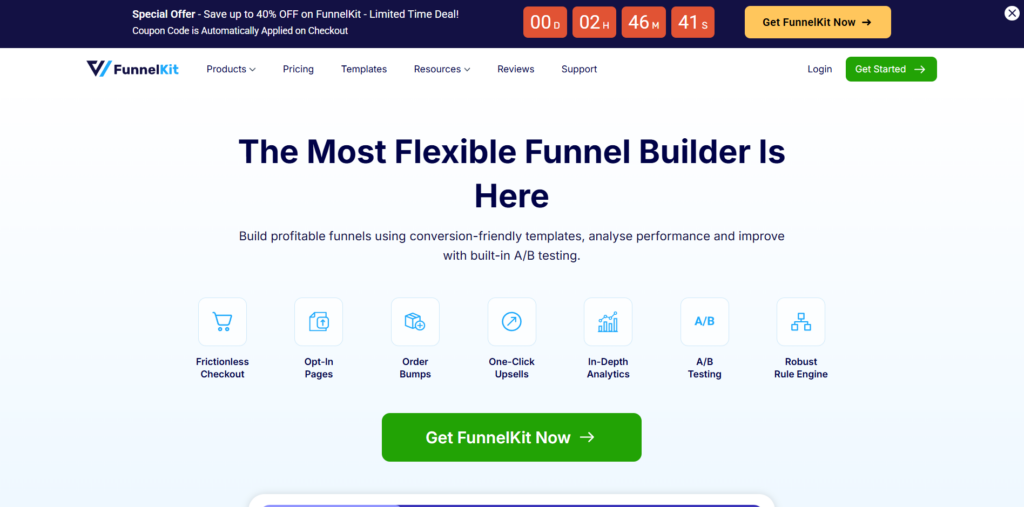
FunnelKit Funnel Builder is designed for stores that want control over the entire buying journey, rather than relying on the default WooCommerce checkout. It’s strongest when you’re building dedicated funnels around specific products or campaigns.
Best for stores running launches or promotions; heavier than a simple catalog.
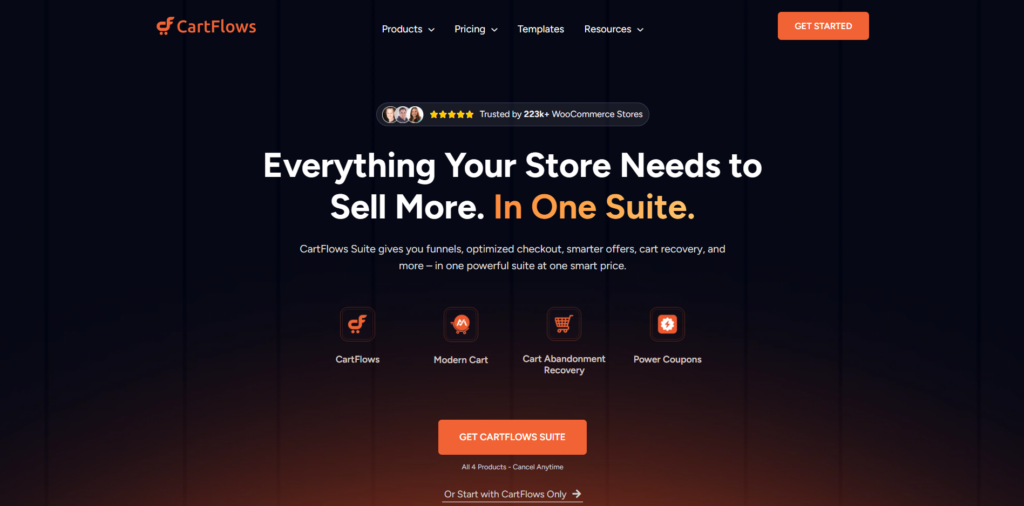
CartFlows overlaps with FunnelKit but leans toward page-builder users. If you already work in Elementor, Beaver Builder, or similar tools, it integrates with your workflow to build checkout flows and product landing pages.
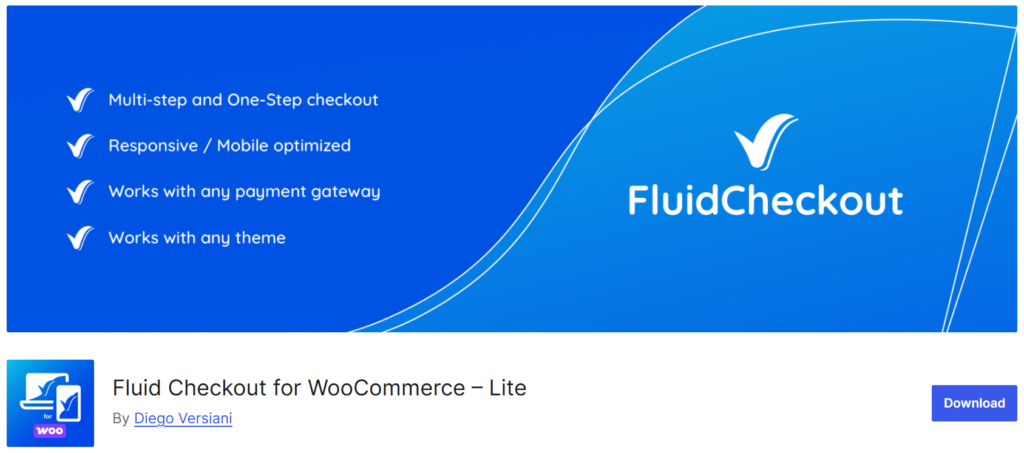
Fluid Checkout takes a narrower approach. Instead of building funnels, it reworks the stock WooCommerce checkout into a cleaner, multi-step layout. It’s a good fit when checkout is your main drop-off point, and you don’t want to rebuild it from scratch.
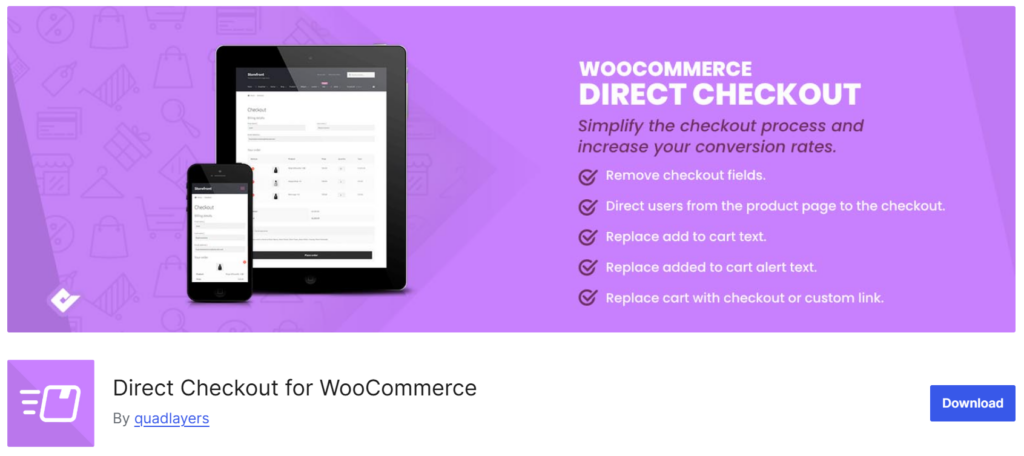
Direct Checkout for WooCommerce shortens the path from product to payment by letting shoppers skip the cart entirely. It suits stores where customers usually buy a single known item, and it’s less useful when the average order value depends on customers adding multiple products.
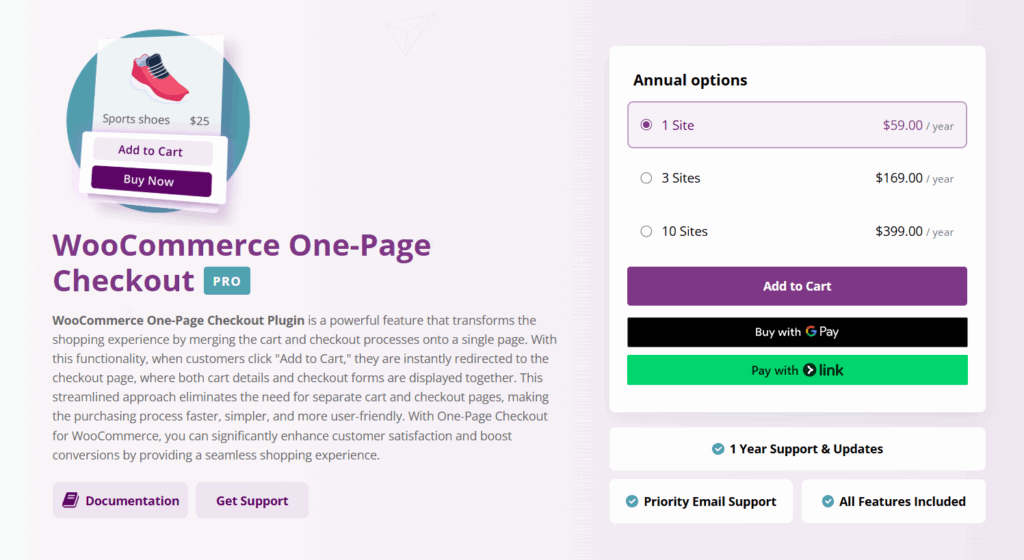
WooCommerce One-Page Checkout helps store owners simplify the buying process by combining cart details and checkout forms into a single page. It reduces the extra steps after "Add to Cart," helping customers complete purchases faster with less friction.
Features:
If your store has room to improve on several fronts, prioritize by where visitors actually drop off. Google Analytics, along with heatmaps or session recordings, can show whether friction sits on the homepage, on product pages, or in checkout, which tells you where to focus first.
For many small stores, the higher-leverage starting points are above-the-fold clarity on the homepage, social proof near purchase-decision points, and a checkout review for unnecessary steps or fields. None of these needs a redesign, and each is measurable: pick one change, give it enough traffic to read, and compare before and after, rather than changing several things at once.
If a second set of eyes would help, conversion audits for WooCommerce and ecommerce stores are part of what we do at Bright Vessel. That said, the steps above are worth working through first, since many stores recover a fair amount of lost conversion without outside help.
"*" indicates required fields
"*" indicates required fields
"*" indicates required fields